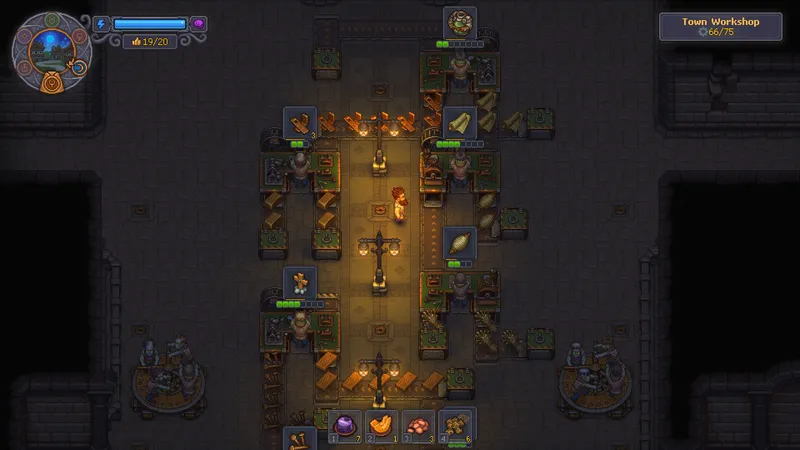
Clear the worker, recipe, and station checks
- Check the recipe. At an unlocked station, note the current recipe’s Mastery, ingredients, and Fuel requirements. [1] [2]
- Prepare the worker. If a zombie stays unassigned, equip the tool that matches its station; in one demo setup, that tool provided Inspiration. Check the worker’s Inspiration and Mastery against the current recipe. One unassigned worker had zero Inspiration, so treat that value as save-specific, not a universal rule. [1] [2]
- Assign and test. Place the prepared zombie at the target station and check whether the station accepts the job. Queue a small batch; advancing progress confirms production has started. If it stays idle, compare the recipe unlock, Mastery, ingredients, and Fuel with the panel. [4]
Lumber example: separate production and delivery jobs
For a lumber test, assign one zombie to the production station and queue Oil Plank only when the current panel lists it and the worker meets its Mastery requirement; one demo route used Mastery 4 for this recipe. If the station needs delivered materials, build a Zombie Supplier Station in the same work area, assign a second zombie to it, and check that materials arrive and the production queue advances. [1] [2] [3]
Supplier unlock order varies by route: one starts workbench production first, while another unlocks Supplier technology first. Before gathering materials, follow the order shown in your current Building tree and station panel. After assigning the worker, check the panel and delivered supplies to confirm the route is active. [1] [2] [3]