
Independent player guide
Graveyard Keeper 2 Wiki
Find practical answers about trying the demo, choosing a platform, gathering resources, automating production, and rebuilding the town.

Graveyard Keeper 2 is out now on PC and consoles
Choose your next question
Where do you want to begin?
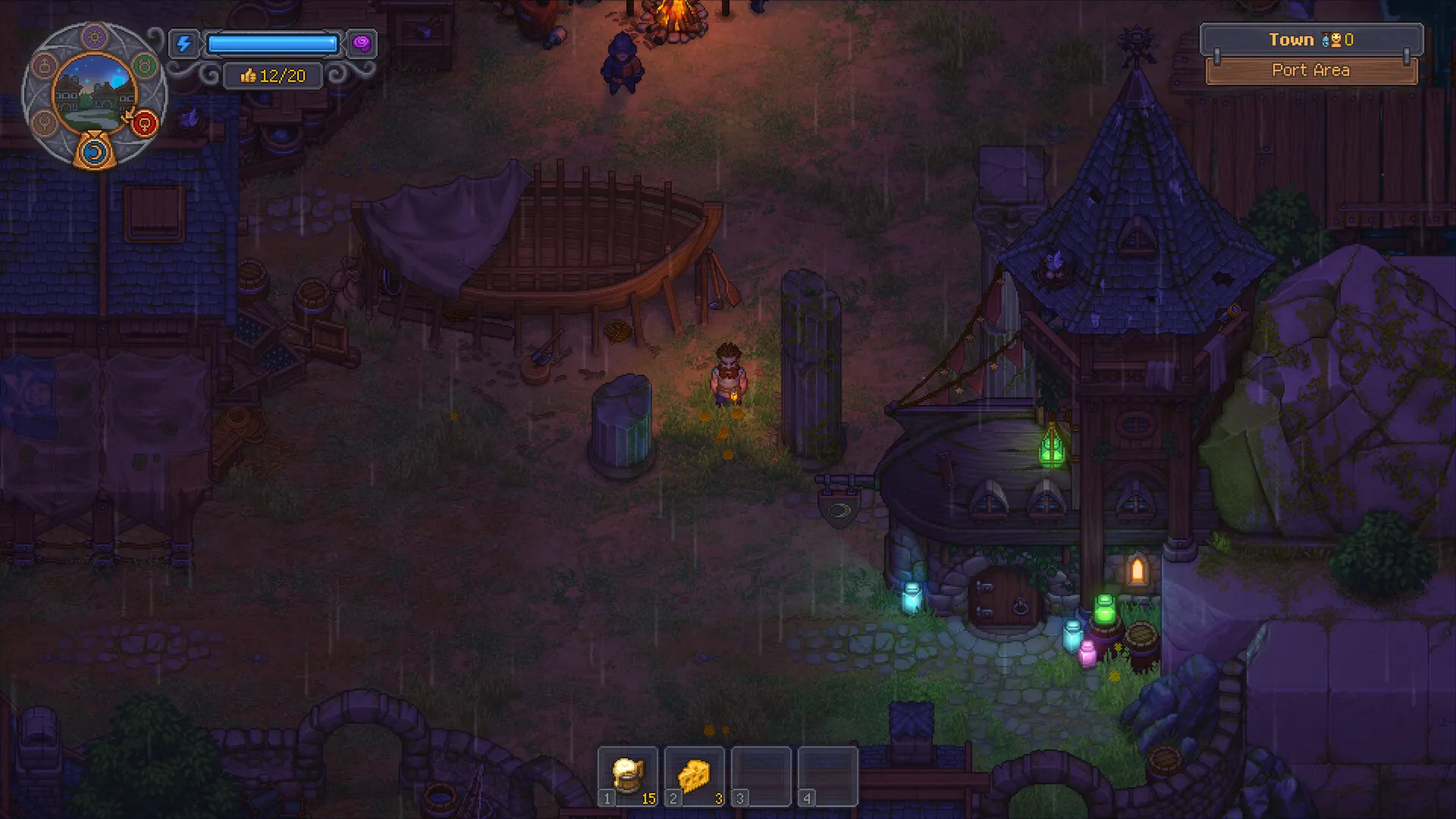 1
Try the demo
Browse guides for trying the demo and checking what carries over.
Open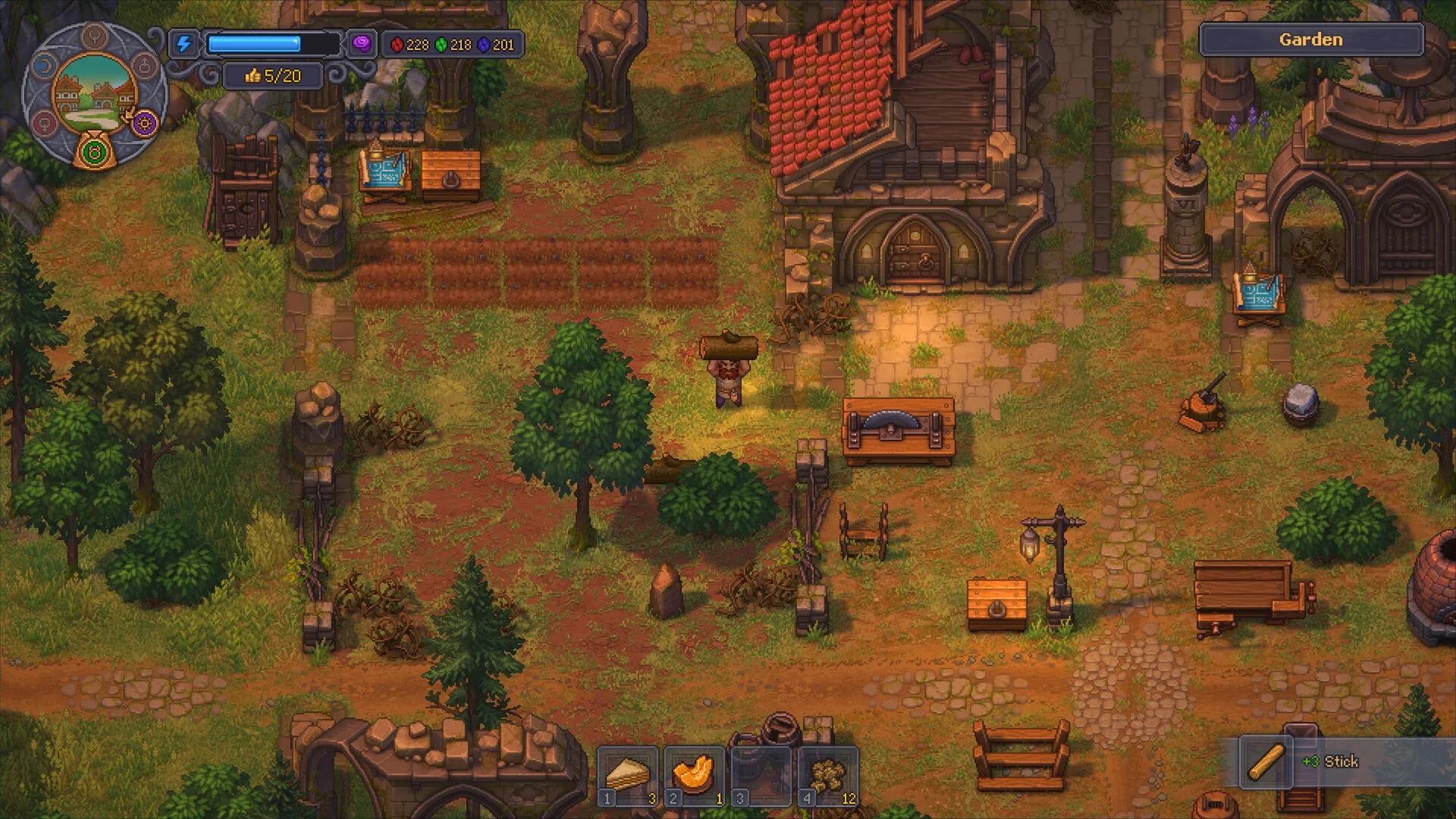 2
Gather and craft
Browse item guides for materials, crafting, and production.
Open3Find characters
Browse maps for characters, locations, and progression.
Open4Build automation
Browse guides to work systems and town automation.
OpenChoose your next step
What do you need to know?
Follow the route that matches your point in the game.
Before you buy
3guidesStarting out
3guidesDeveloping your town
3guidesOfficial game updates
Browse all
How to Get and Start the Graveyard Keeper 2 Demo
guides
How to Get and Start the Graveyard Keeper 2 Demo
Find the Graveyard Keeper 2 demo on Steam, Xbox, PlayStation, or Switch 2 and follow the store path to install and start it.
Graveyard Keeper 2 Demo Won’t Launch on PC: Steam Checks
guides
Graveyard Keeper 2 Demo Won’t Launch on PC: Steam Checks
Try general PC launch checks for the Graveyard Keeper 2 demo and gather the details needed if it still will not open.
Graveyard Keeper 2 Demo Save Transfer and Rewards
guides
Graveyard Keeper 2 Demo Save Transfer and Rewards
Find out whether Graveyard Keeper 2 demo progress carries into the full game and which bonuses were tied to preorders.
How to Make Money Early in Graveyard Keeper 2
guides
How to Make Money Early in Graveyard Keeper 2
Turn a Burial Certificate into early coins and check the trader panel before repeating the sale.
Explore Graveyard Keeper 2
Keyword-led topics are grouped by the player task they can help answer.
Find an answer for your next step
Browse keyword-led guides for the questions players are likely to ask across the Graveyard Keeper 2 lifecycle.