Use the platform store action
| Platform | Open this official listing | First action | Success cue |
|---|---|---|---|
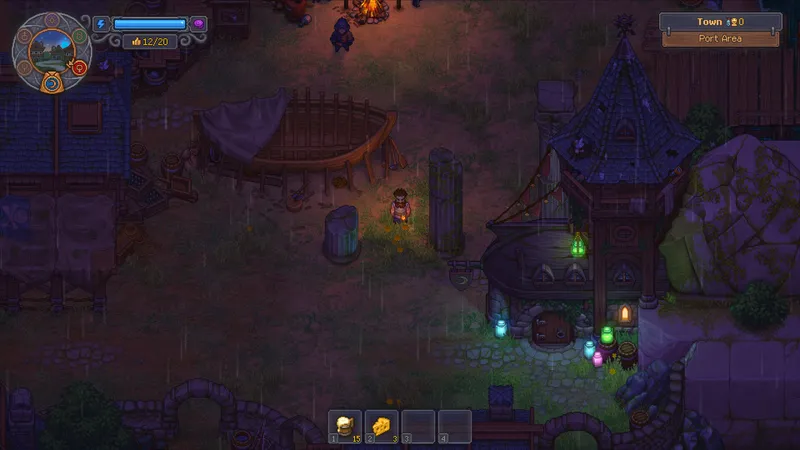
| PC (Steam) | Steam demo page [1] | Install the demo, then choose Play from your Steam Library. | The demo opens and loads a playable scene. |
| Xbox One / Xbox Series X|S | Xbox demo listing [2] | Choose the free demo install option, then open it from My games & apps. | The demo appears in the library and loads a playable scene. |
| PS4 / PS5 | PlayStation Store demo [3] | Select Add to Library, download it, then open it from your Game Library. | The demo appears in the library and loads a playable scene. |
| Nintendo Switch 2 | Nintendo Switch 2 listing (the checked listing marks a demo as available) [4] | In your regional eShop, search Graveyard Keeper 2 and choose the demo option if it appears. | The demo appears on the HOME menu and loads a playable scene. |
The checked listings cover PC, Xbox, PlayStation, and Switch 2; these sources do not establish a demo route for the original Switch. Regional catalogs and button wording can differ. [1] [2] [3] [4]
If Steam installs the demo but it will not start, use the PC launch troubleshooting checklist. That is a launch-recovery step after the demo is already installed.