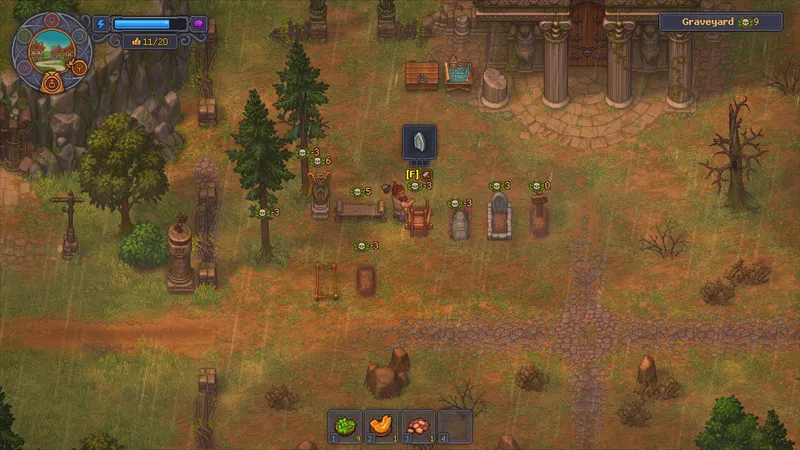
Use the autopsy display to choose the burial step
- Move the body to the morgue. Open the autopsy interaction as soon as the new corpse arrives. [1] [2]
- Read the skull indicators. Inspect the table before removing anything. Remove only the fat or blood offered by that interaction, then read the indicators again. [2]
- Check the burial result. Carry the processed corpse to the cemetery and compare the grave rating with the white and red skull cues in your save. Do not use elapsed time as the success signal; check the Autopsy Table after removal and the grave rating after burial. [1] [2]