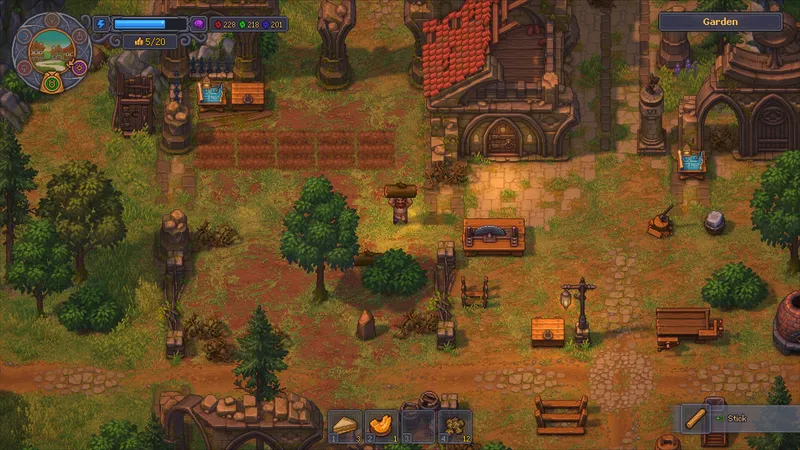
Check the purple orb beside Energy
The purple orb is Insanity; the blue bar is Energy, and Insanity can reduce your maximum Energy. No Health-specific recovery step is established here, so do not assume this Insanity sleep loop restores another HUD meter. If you mean a different icon, check its label or tooltip before acting. [1] [2]
Use the tiredness-to-sleep loop
- Before working, record the Insanity meter and maximum Energy shown in the HUD.
- Spend Energy on the task you intend to finish while the bar remains available.
- When the tired warning appears, stop energy-using work and sleep instead of forcing another job.
- After waking, compare Insanity and maximum Energy with your recorded values. A good sleep may remove about 10–15%, so expect a partial drop rather than a full reset; repeat the rest cycle if needed. [1] [2]