
Accept and finish a town order
The Town Jobs Board above the guards opens orders on Pride (day 5 on the six-day wheel). Accept the active order, then use its displayed amount and deadline; if the glyph is unclear, trust the board prompt. [1] [3]
- Record the requested goods, quantity, urgency, deadline, and reward shown on the active board. These details vary; do not copy terms from another order. [1]
Deliver the requested goods
- Prepare the full amount shown by the order and deliver it at the Town Warehouse supply sign downstairs. [1]
- Check the order panel after delivery: the requested supply should be cleared or the order status updated. If neither changes, confirm you delivered the requested goods and full amount. Rewards can include money and town-happiness progress, but the amount and combination vary by order. [1] [2]
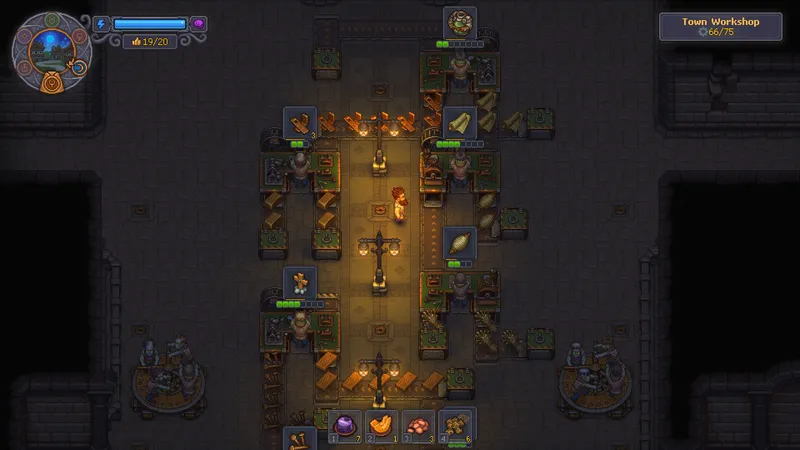
Use resources and crafting for wood and Fuel preparation, or bronze and nails when the board requests metal supplies. See the Town Gratitude guide for sermon preparation.